Your Voice. Every Language. Unlimited Possibilities.
Turn Your Text Into Natural Human Speech
Type any text, pick a natural voice — or clone your own with consent — and hear it spoken in your language. Free up to 3 minutes, no ad needed.
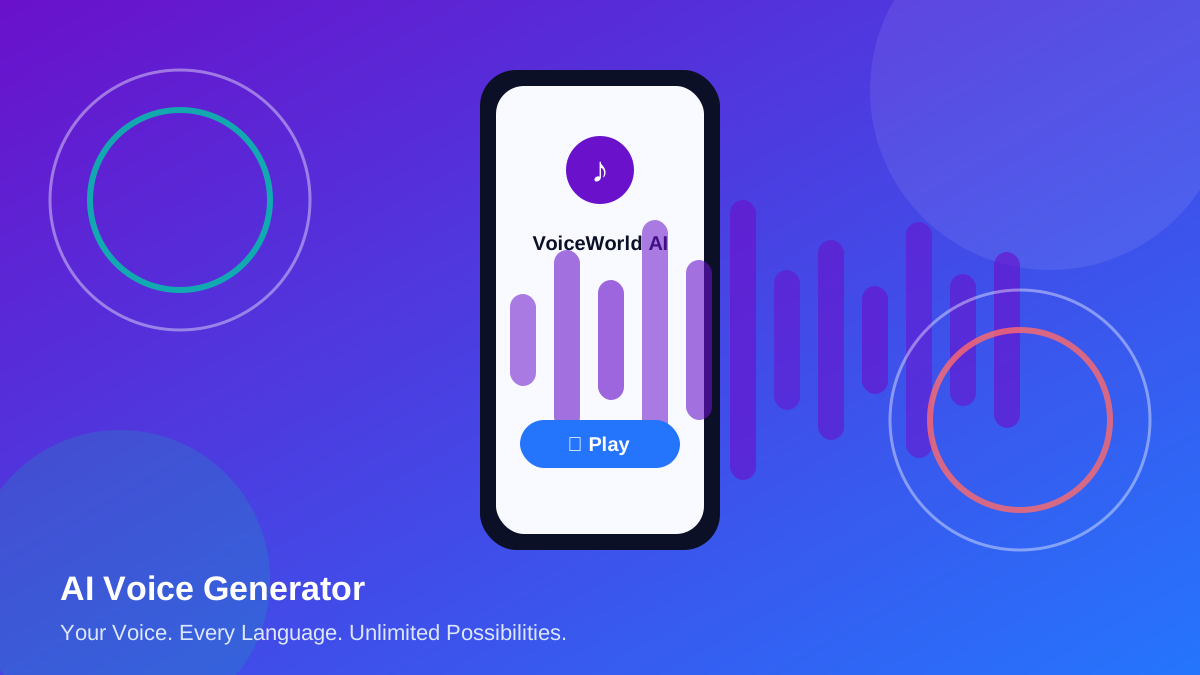
Everything you need to create with voice
A complete text-to-speech studio, voice cloning with consent, and a global voice library — in one app.
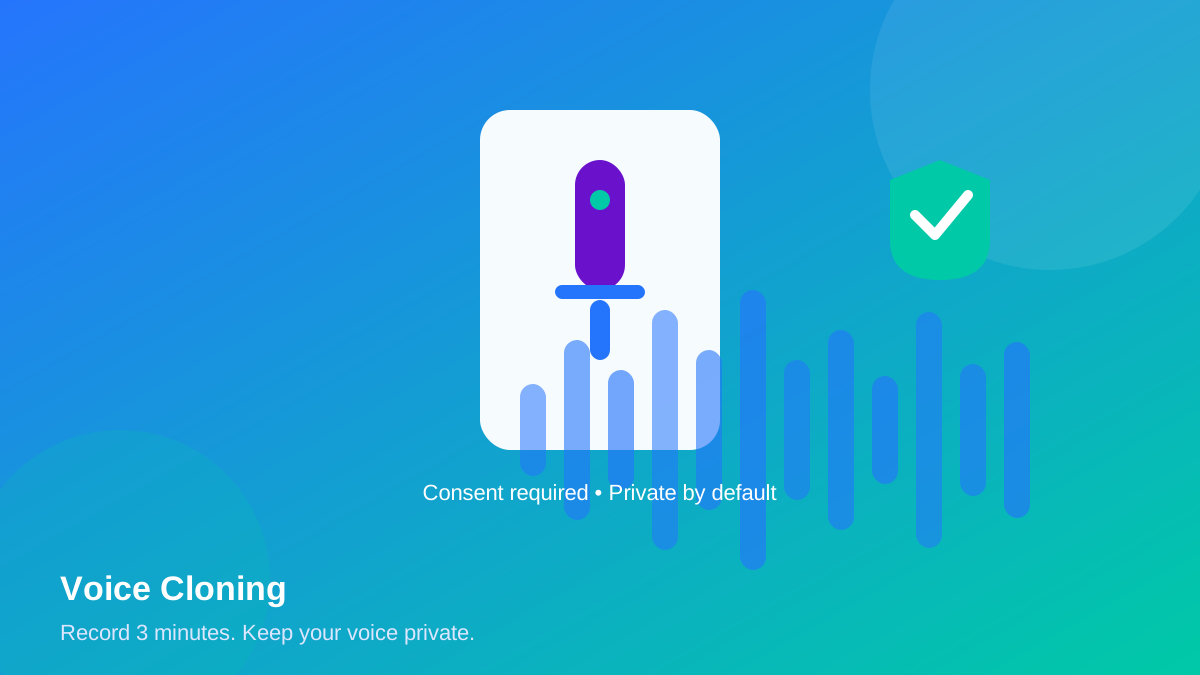
🎙️ Voice Cloning
Record up to 3 minutes of your own voice, confirm you own it or have permission, and save it as your personal voice profile. Private to you, deletable anytime.
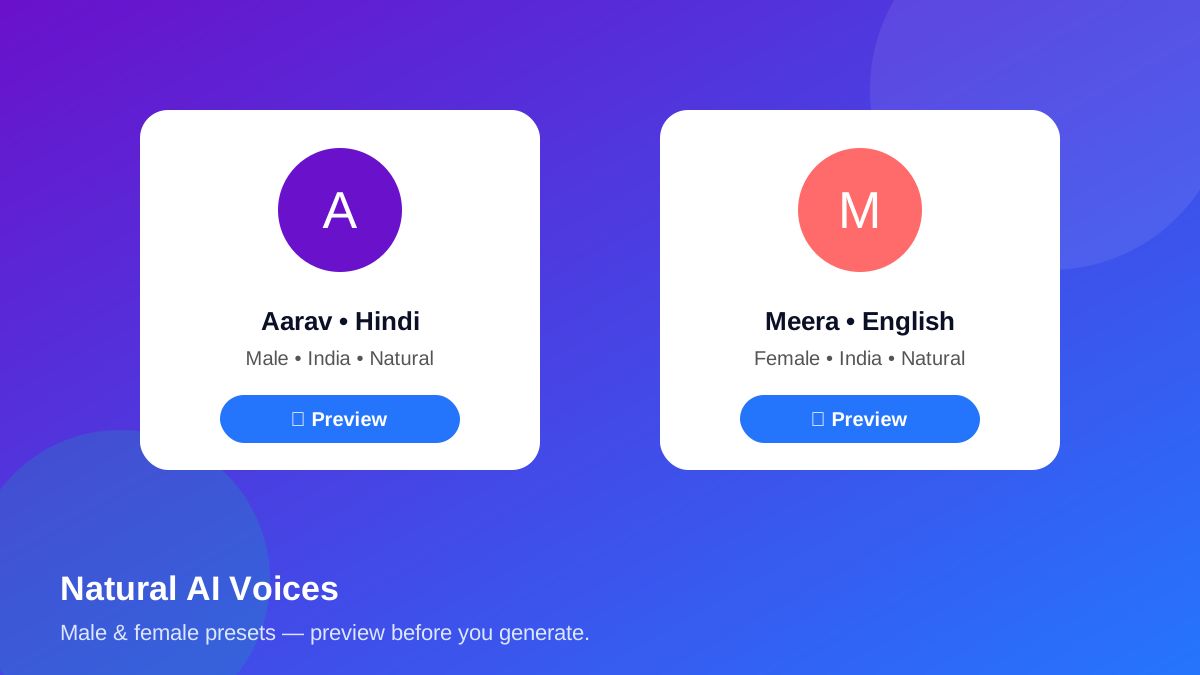
🗣️ Global AI Voices
Natural male and female preset voices. Preview any voice before generating. Only voices that actually exist on your device/browser are enabled — nothing is invented.
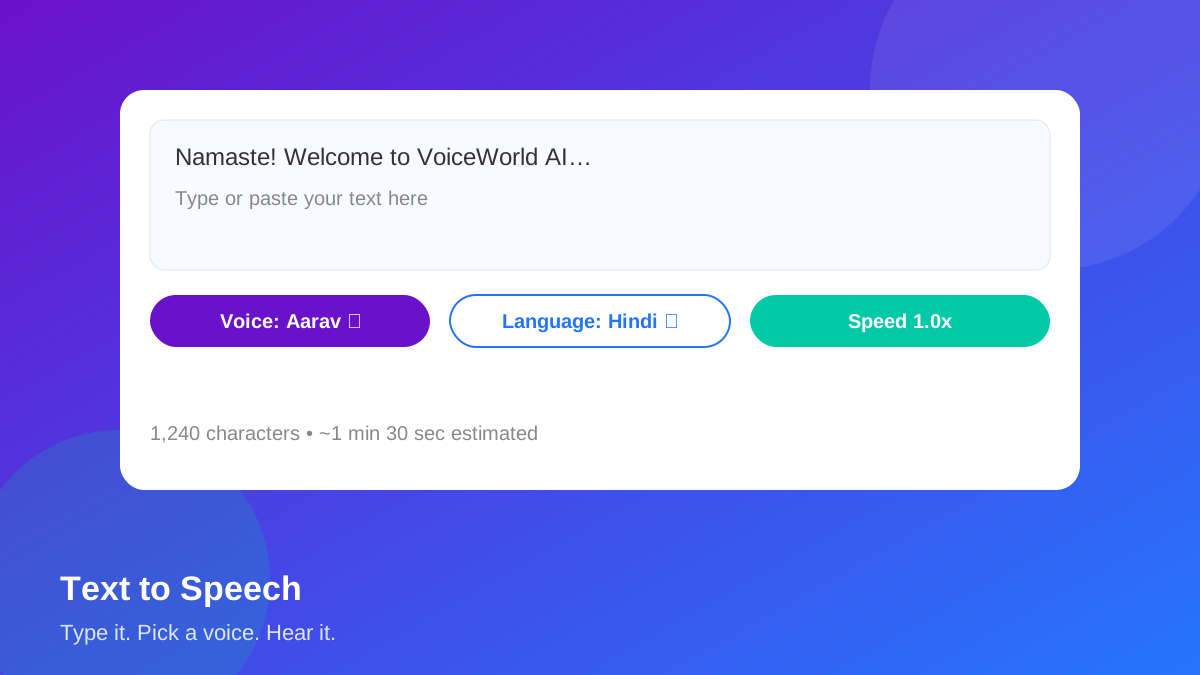
✍️ Text-to-Speech Studio
Multiline editor with character/word counters, estimated duration, language and voice pickers, and speed & pitch controls. Long text is chunked sentence by sentence.
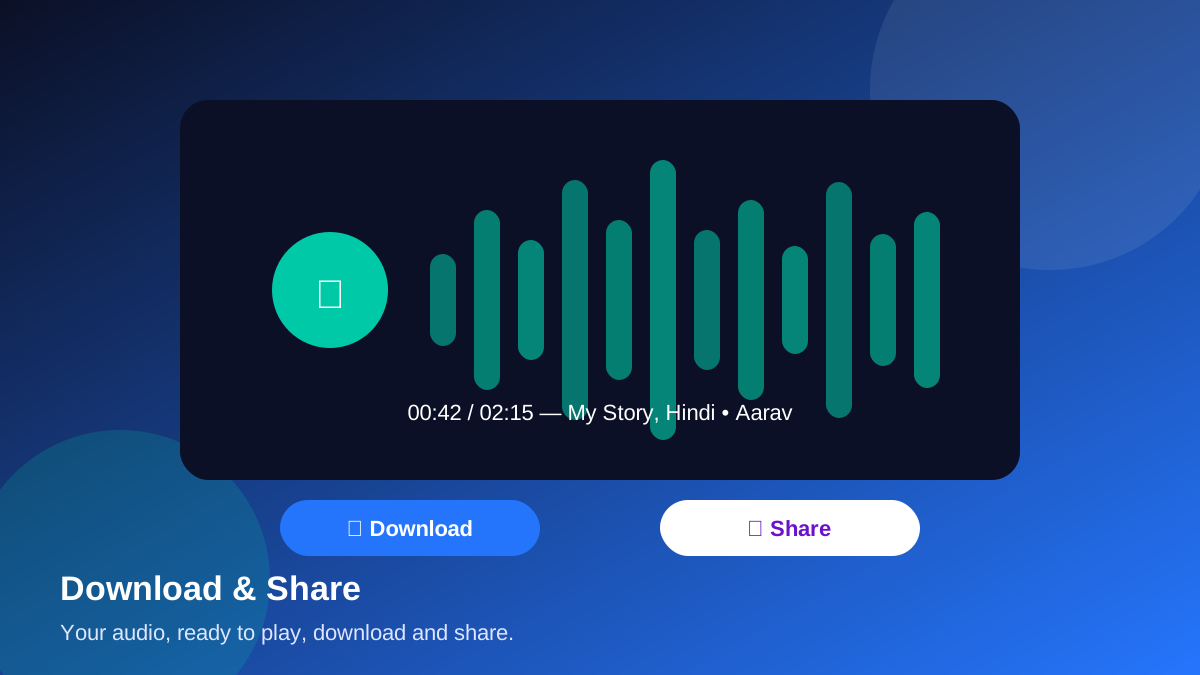
⬇️ Download & Share
Play your audio, save it to your Library, and share it with the native share sheet or a copied link. Your files stay private to your account.
🔒 Privacy & Consent
Cloning needs your explicit consent. Reference recordings are private, never shared, and you can delete your voice and your account anytime.
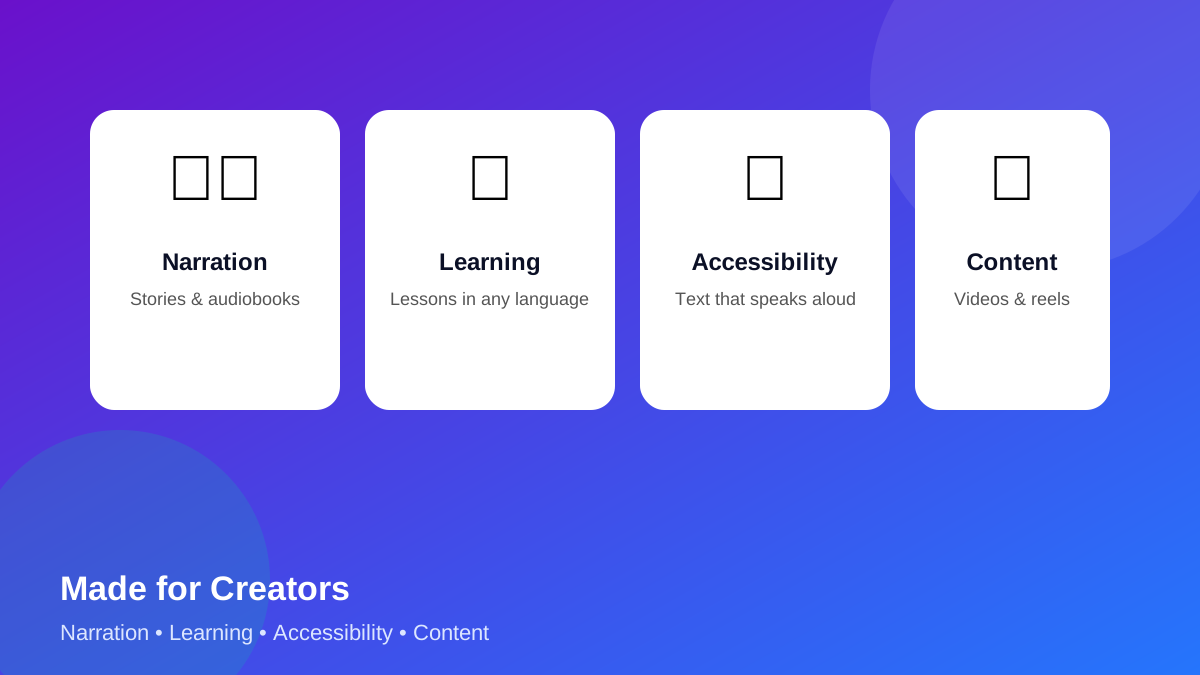
🎬 Made for Creators
Narration, learning, accessibility and content creation — stories, lessons, videos and reels in the language your audience speaks.
Simple tiers: 3 / 5 / 10 minutes
The free tier needs no ad. Longer generations need one genuinely completed and verified rewarded ad — never a fake timer.
Honest note: rewarded ads need AdMob setup, which is not connected in this build — so 5/10-minute generation is currently unavailable in the app, and the app says so instead of faking an ad. 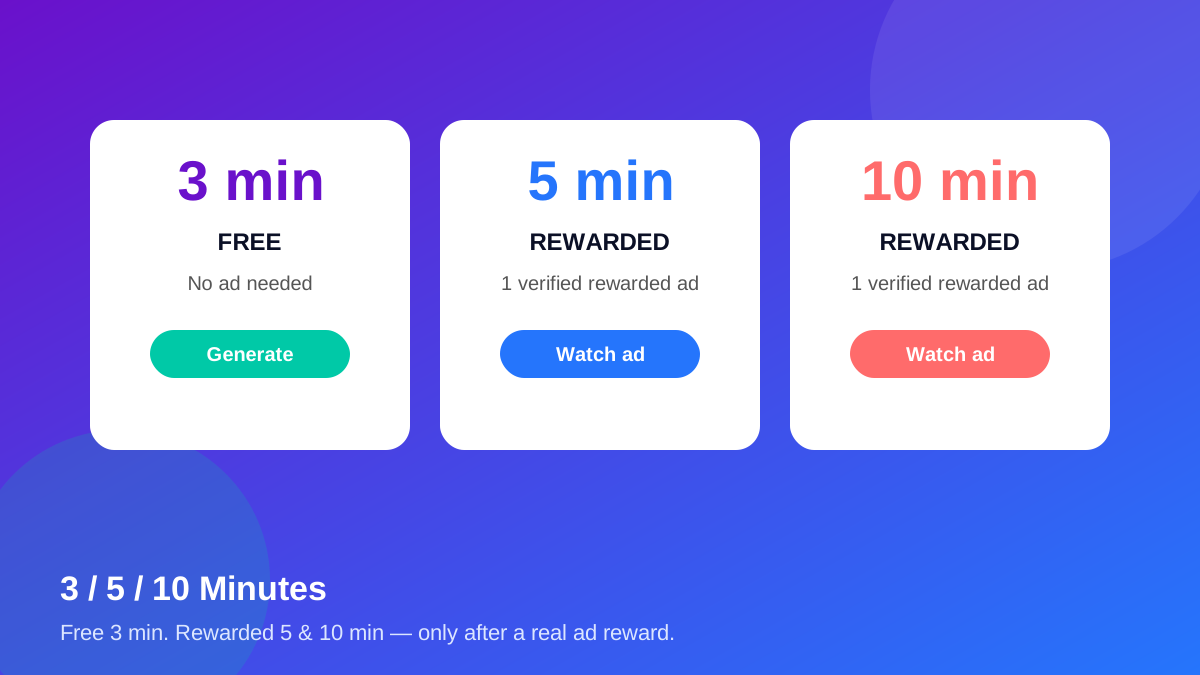
Try a sample voice — right here
These samples use your browser's built-in speech voices (free, no server). If a voice is missing on your device, the button tells you so.
Languages
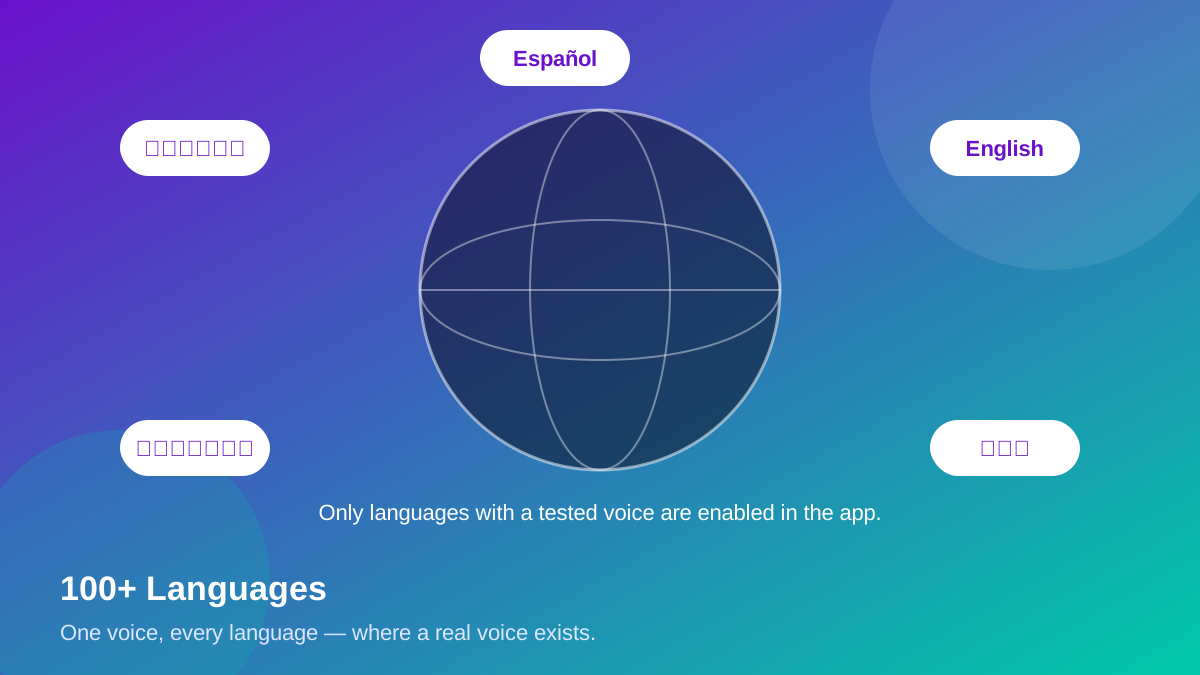
Target languages from the VoiceWorld AI plan. In this web build a language is enabled only when your browser/device actually has a voice for it — the app checks this live and marks the rest “not available in this browser”.
How it works
Write or paste text
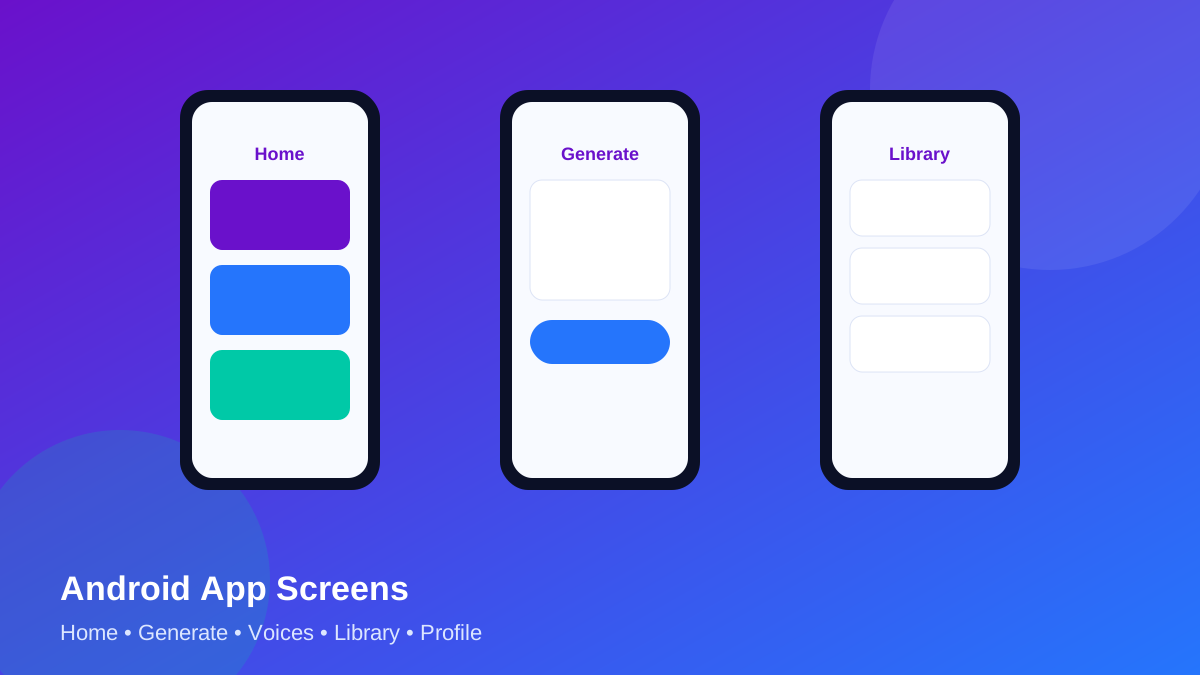
Open the app, sign in, and type your text in the TTS Studio. See the estimated duration live.
Pick a voice & language
Choose a preset voice or your own cloned voice, set speed and pitch, and preview it.
Generate, play & share
Generate (free up to 3 min), play it back, save it to your Library, download or share it.
Inside VoiceWorld AI
All 10 landing-page visuals — original illustrations made for VoiceWorld AI, in one consistent brand style.
FAQ
Is the first 3 minutes really free?
Yes. Up to 3 minutes of generated audio needs no ad in this build. Longer audio (5 / 10 min) needs a verified rewarded ad, which requires AdMob setup that is not connected yet.
Can I clone someone else's voice?
No. Cloning requires you to confirm the voice is yours or you have explicit permission. Abuse reports and deletion are available in the app, and cloned voices stay private to their owner.
Do I need Google Sign-In?
The app offers email signup/login today. “Continue with Google” needs Firebase setup, which is not connected yet — the app says so honestly instead of faking a login.
Where is the Android APK?
Not published yet. The Download App button shows “Coming soon” until the admin publishes a real APK link. The web app at “Start Creating” works in your browser today.
Which languages actually work?
It depends on the voices installed on your device/browser. The app lists every target language, enables the ones with a real voice, and marks the rest “not available in this browser”.
Can I download my audio as MP3?
Playback uses your browser's speech engine, which does not export MP3 files. In this build you can play, save to your Library and share the text + voice settings; MP3 export needs the server TTS backend, which is not installed yet.
Privacy & Consent — first, not last
Your voice recordings and cloned voices are private to you. We ask for consent before any cloning, keep a consent record, and let you delete your voices and your whole account from Profile. No voice is used to train a shared model in this build, and no audio leaves your device except what you choose to share. Full terms and privacy are in the app under Profile → Privacy & Terms.
Support: in the app, go to Profile → Support. For setup questions (Firebase, AdMob, APK publishing), contact the app admin.